Quick start
Three steps to launch TitanTrack for your company: get access, connect the tracker and invite your team.
Step 1. Get access
- Contact the TitanTrack team and send the email address for your company's Admin account.
- The team sets up your company and sends you the Admin's login details: email and password.
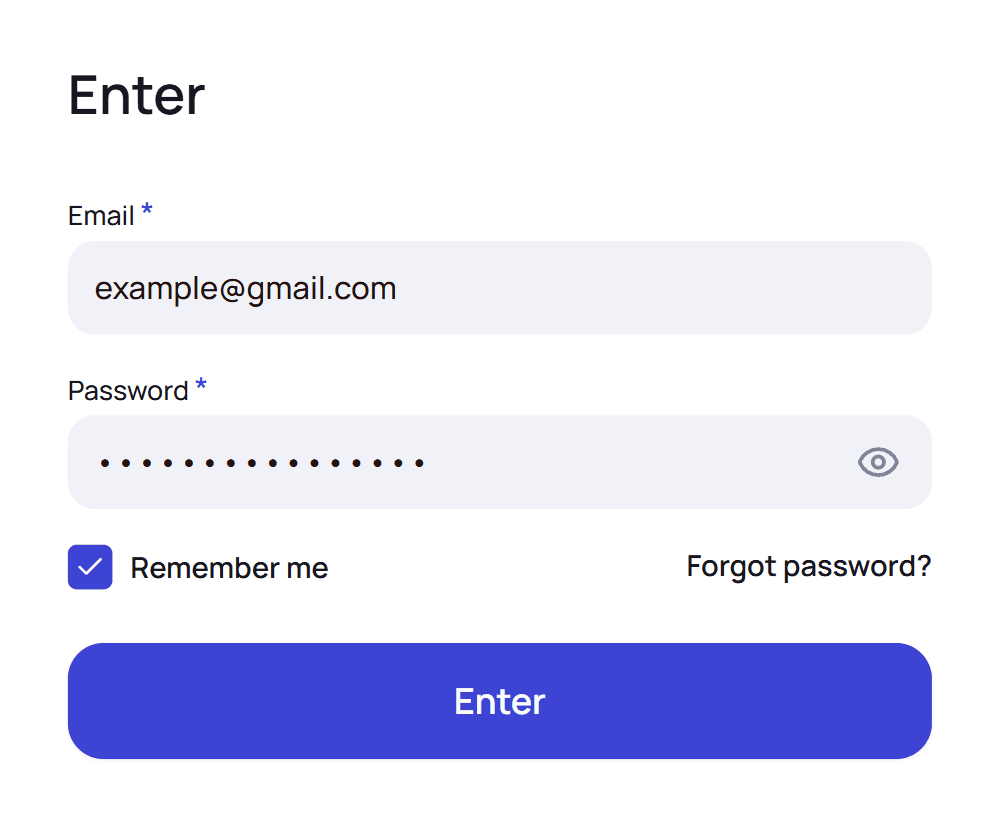
- Sign in with these details on the login page.
Step 2. Connect the tracker
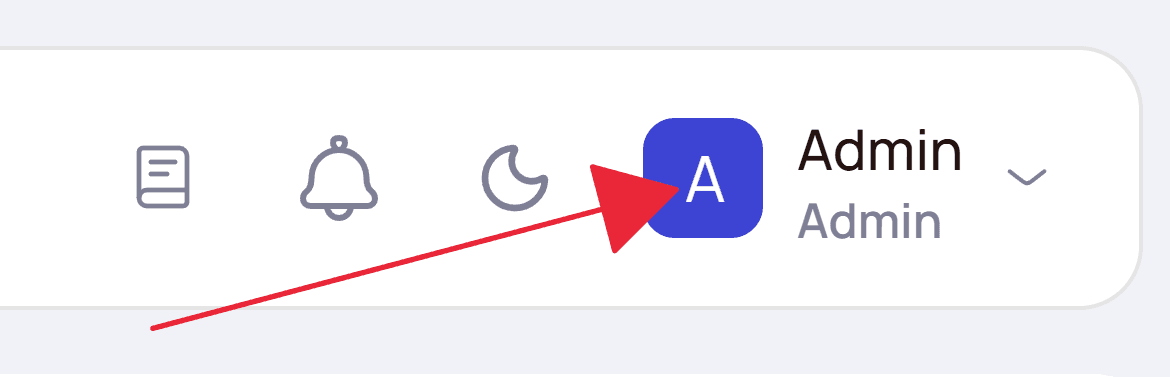
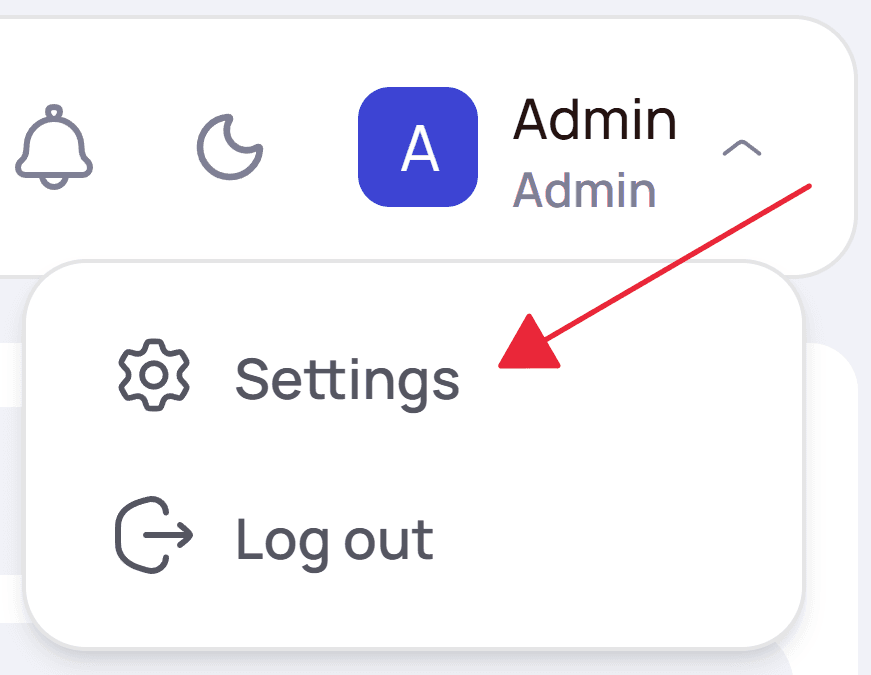
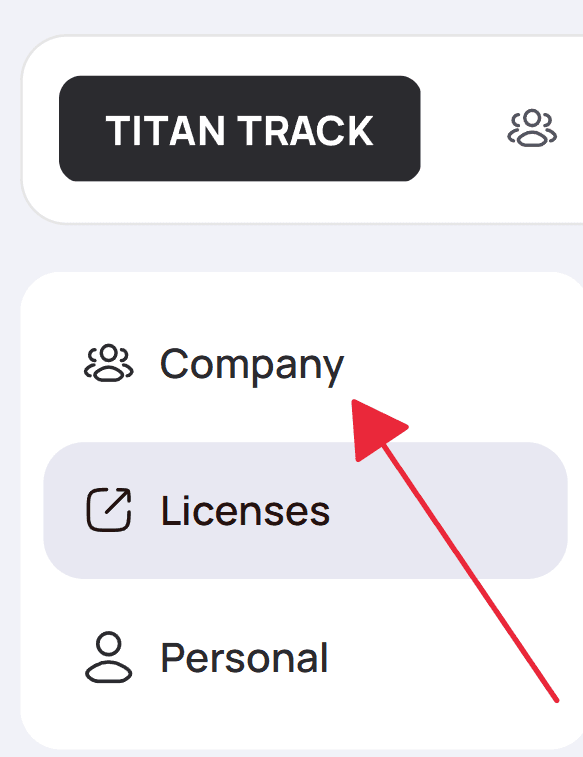
Open Settings → Company. TitanTrack takes clicks, registrations and deposits from your tracker — until it's connected, analytics stay empty. Fill in the blocks below and save.
General
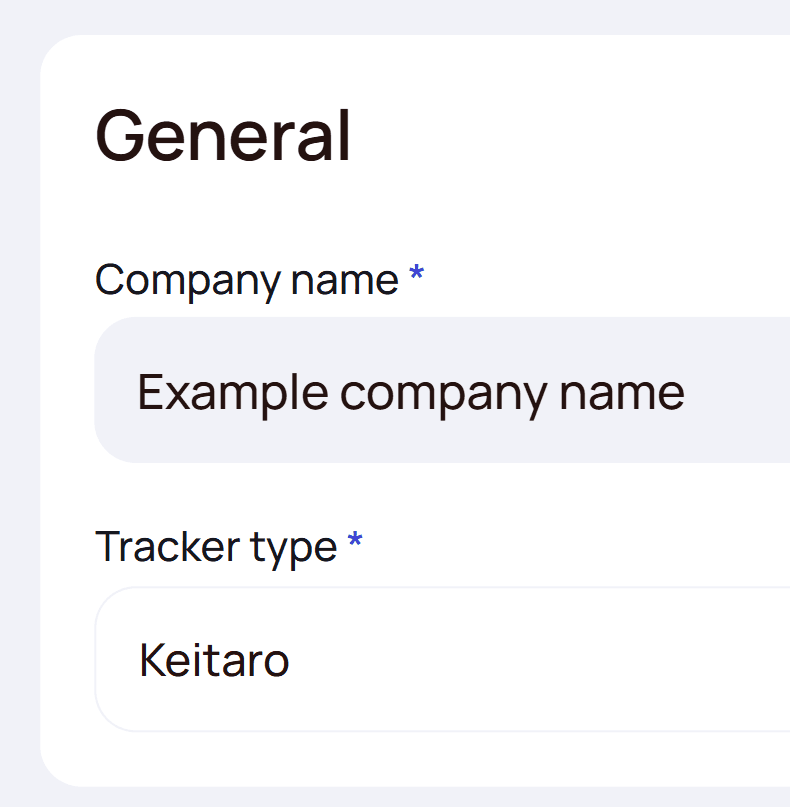
| Field | What it means |
|---|---|
| Company name | Your company's name in the interface. Doesn't affect data. |
| Tracker type | Keitaro or Binom — the tracker your team works in. The blocks below change depending on this choice. |
Keitaro
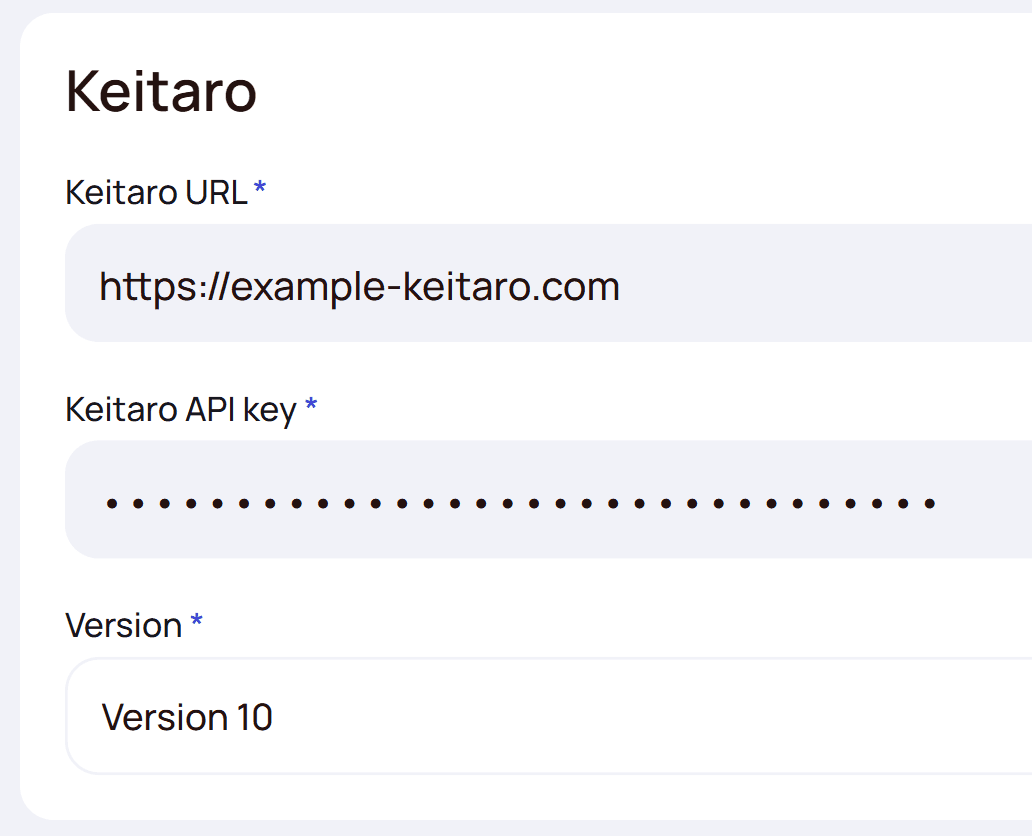
| Field | What it means |
|---|---|
| Keitaro URL | The address of your Keitaro, e.g. https://tracker.example.com. |
| Keitaro API key | The API key from your Keitaro. If the URL or key is wrong, the block turns red with a warning icon. |
| Version | Your Keitaro version — 10 or 11. On version 10 OAS metrics may be less accurate; everything else works the same. |
Keitaro tracking configuration tells TitanTrack which Sub Id your ad links pass each Facebook value into. Choose exactly the Sub Ids your links use. Default values are pre-filled.
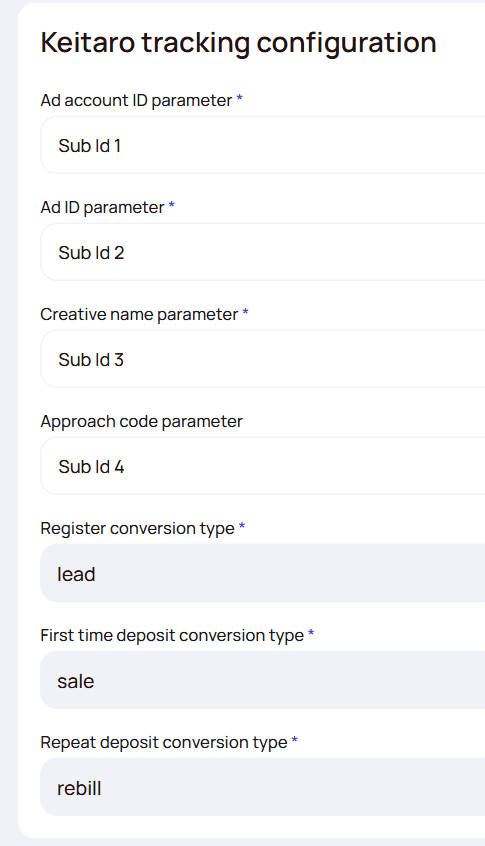
| Field | What it means |
|---|---|
| Ad account ID parameter | The Sub Id with the Facebook ad account ID. Default — Sub Id 2. |
| Ad ID parameter | The Sub Id with the Facebook ad ID. The key field: spend and fake clicks are matched to ads by it. Default — Sub Id 4. |
| Creative name parameter | The Sub Id with the Facebook ad name — creatives in Content are built from it. Default — Sub Id 3. |
| Approach code parameter | Optional. The Sub Id with the approach code — the marketing angle of a creative. Default — Sub Id 6; clear it if you don't use approaches. |
| Register conversion type | The Keitaro conversion status that means a registration, written exactly as in Keitaro. Default — lead. |
| First time deposit conversion type | The conversion status that means a first deposit (FTD). Default — sale. |
| Repeat deposit conversion type | The conversion status that means a repeat deposit. Default — rebill. |
Binom
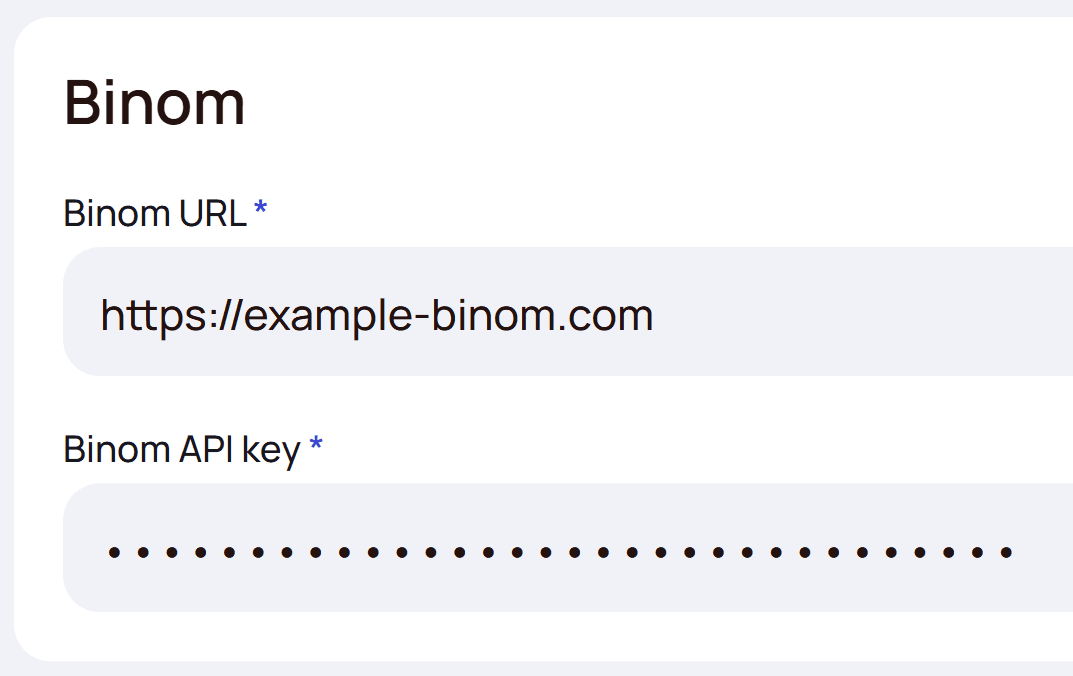

| Field | What it means |
|---|---|
| Binom URL | The address of your Binom, e.g. https://binom.example.com. |
| Binom API key | The API key from your Binom. If the URL or key is wrong, the block turns red with a warning icon. |
| Binom display timezone | The timezone set in Binom's own tracker settings. TitanTrack needs it to read Binom dates correctly. Default — Europe/Kiev. |
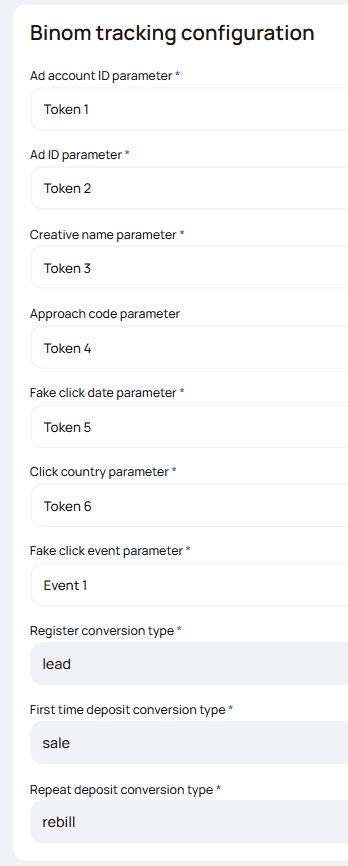
Binom tracking configuration tells TitanTrack which tokens your ad links pass Facebook values into, and which free tokens TitanTrack can use to mark fake clicks. Default values are pre-filled.
| Field | What it means |
|---|---|
| Ad account ID parameter | The token with the Facebook ad account ID. Default — Token 2. |
| Ad ID parameter | The token with the Facebook ad ID. The key field: spend and fake clicks are matched to ads by it. Default — Token 4. |
| Creative name parameter | The token with the Facebook ad name — creatives in Content are built from it. Default — Token 3. |
| Approach code parameter | Optional. The token with the approach code — the marketing angle of a creative. Default — Token 6. |
| Fake click date parameter | A token your links don't use. TitanTrack writes the spend day into every fake click there: Binom records a fake click when it's created, which can be a day after the spend, and this date keeps the spend on the right day. Default — Token 7. |
| Click country parameter | A token your links don't use. TitanTrack writes the click's country code there, so spend of multi-geo campaigns is split by country. Default — Token 8. |
| Fake click event parameter | A Binom event you don't use. TitanTrack sets it to 1 on every fake click, so fake clicks are easy to tell apart in Binom. Default — Event 10. |
| Register conversion type | The Binom conversion status that means a registration, written exactly as in Binom. Default — lead. |
| First time deposit conversion type | The conversion status that means a first deposit (FTD). Default — sale. |
| Repeat deposit conversion type | The conversion status that means a repeat deposit. Default — rebill. |
Rules for Facebook campaign names, Keitaro flows and Binom paths are in the guide Facebook + Tracker Integration
Step 3. Invite your team
- Open Users and click “Add new user”.

The “Add new user” button on the Users page. - On the Main tab enter the email and choose a role. For a Buyer also choose their Team Lead; for a Buyer and a Team Lead Buyer — a Buyer Code (see below).
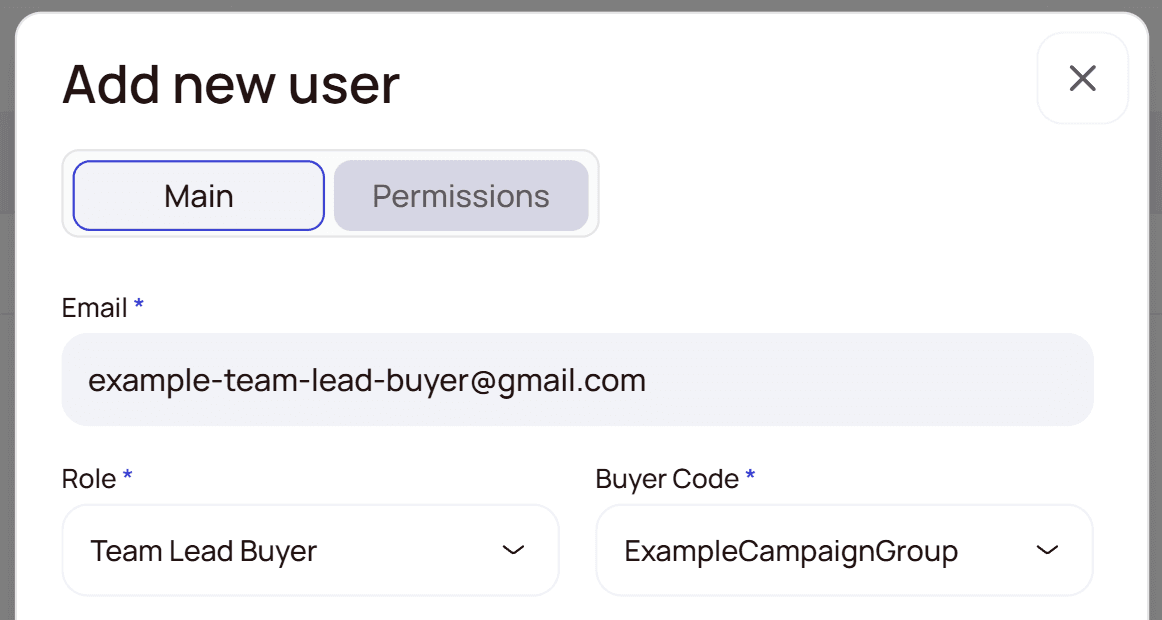
The invitation form: email, role and a Buyer Code for a Team Lead Buyer. - For a Buyer, on the Permissions tab choose which creatives they see in Content: All, Team or Personal (default — Personal).
- The person gets an invitation email, follows the link and registers: first name, last name, password (8–16 characters). After that they sign in with their email and password.
Roles
| Role | What it's for |
|---|---|
| Admin | Runs the company account: settings and tracker, users, licenses. Also sees the whole company's analytics (Campaigns Statistics, Content, Reports), manages Agents and company-wide Auto Rules; Facebook accounts and comments are read-only. |
| Manager | Oversees the whole company: Campaigns Statistics, Content and Reports across all teams, Agents and Auto Rules. Facebook accounts and comments are read-only. |
| Team Lead Buyer | Leads a team of buyers: sees the data of the whole team and connects their own Facebook accounts. Needs a Buyer Code. |
| Buyer | Runs traffic: sees only their own campaigns and connects their own Facebook accounts. Needs a Team Lead and a Buyer Code. |
| Team Lead Business Developer | Leads business developers: partners and their offers, deposits, invoices. |
| Business Developer | Works with partners and their offers, deposits and invoices. Needs a Team Lead Business Developer. |
Buyer Code
The Buyer Code links a user to their campaigns in the tracker: TitanTrack counts only the campaigns from the buyer's campaign group as theirs. It's required for a Buyer and a Team Lead Buyer and must be unique in the company. With a wrong code the buyer's data won't show up.
How to set it up in Keitaro
- Create a separate campaign group for each buyer and put all of their campaigns in it.
- The Buyer Code is the group's numeric ID, not its name.
- When inviting, pick the group from the Buyer Code list — TitanTrack fills in the ID itself.

How to set it up in Binom
- Create a campaign group for each buyer with the code in square brackets in its name, e.g. Jack [101].
- The Buyer Code is the text inside the brackets — digits or letters.
- Put all of the buyer's campaigns in this group. TitanTrack takes every campaign whose group name contains [code], so don't repeat the same code in another buyer's group.
- The Buyer Code list shows only groups with brackets in the name.
![Binom — campaign group ExampleCampaignGroup[1]](/_next/image?url=%2Fdocs%2Fgetting-started%2Fbinom-campaign-group.png&w=3840&q=75)
| Group name in Binom | Buyer Code |
|---|---|
Jack [101] | 101 |
[202] Betting PL July | 202 |
Mike [WebMike] | WebMike |
Team Gamma | — |
First steps after the invite
Manager
- Nothing to set up — company-wide analytics (Campaigns Statistics, Content, Reports) are available right away; managing Agents and Auto Rules is optional.
Team Lead Buyer
- Connect your own Facebook accounts in Facebook Accounts (you manage only your own).
- Analyze your whole team's data in Campaigns Statistics, Content and Reports; create Personal or Team Auto Rules.
Buyer
- Connect your Facebook accounts in Facebook Accounts.
- Make sure your tracker campaign group matches the Buyer Code the Admin assigned — otherwise your data won't appear.
- Analyze your own campaigns in Campaigns Statistics, Content and Reports; create Personal-scope Auto Rules.